Attendance Tracking Without the Register: Mobile Check-In Explained
How clock-ins, late thresholds, and forgotten checkouts are handled once attendance moves off a paper register and onto a policy-driven system.
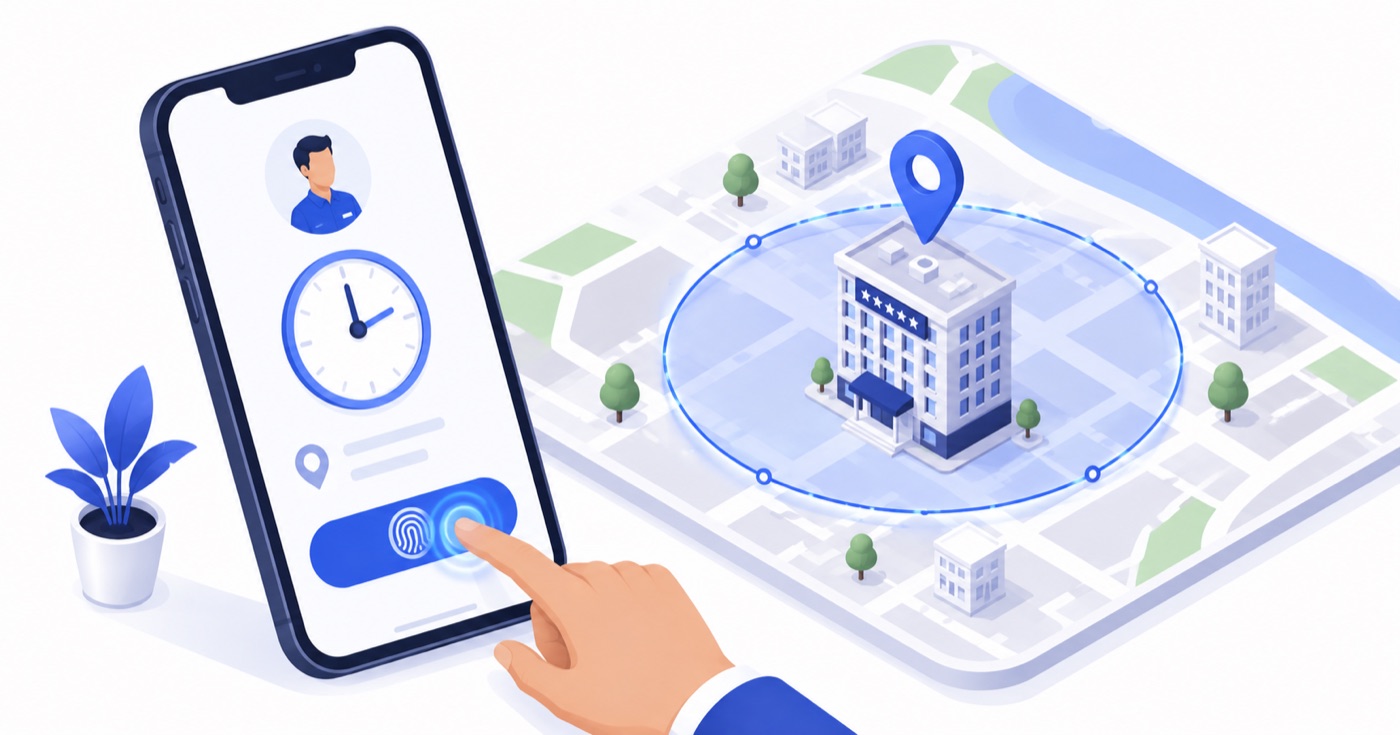
Table of Contents
The Fundamental Flaws of Paper Registers & Standalone Biometrics
For decades, hospitality properties have relied on two primary methods for tracking employee attendance: **paper attendance registers** and **wall-mounted fingerprint scanners**. Both methods carry severe operational weaknesses in a fast-paced hotel or restaurant environment.
The Paper Register Problem
The Standalone Biometric Hardware Problem
---
How Mobile & Quick PIN Attendance Tracking Works
Modern hospitality management systems replace legacy hardware with **Policy-Driven Mobile Check-In** and **Station-Based PIN Clock-Ins**.
```
[Attendance Verification Pathways]
├── Path A: Shared Floor Station Tablet ──> Staff Taps Quick PIN ──> Real-Time Punch
└── Path B: Mobile Staff App ─────────────> GPS Location Verified ──> Geo-Fenced Punch
```
1. Geofenced Mobile Punch (For Mobile & Field Staff)
Housekeepers moving between guest villas, maintenance engineers, and delivery drivers use the mobile staff app on their smartphones.
2. Station PIN Clock-In (For Fixed Desk & Kitchen Staff)
Front desk agents, kitchen cooks, and restaurant cashiers clock in directly on the shared front-desk terminal or kitchen POS tablet by entering their assigned 4-digit Quick PIN.
---
Feature Comparison Matrix: Attendance Tracking Methods
| Feature | Paper Register | Biometric Thumbprint | Mobile PIN + Geofence |
| :--- | :--- | :--- | :--- |
| **Real-Time Manager Visibility** | ❌ No | ❌ No (Batch sync) | Yes (Instant Cloud Sync) |
| **Hardware Cost** | Very Low | ❌ High (₹12,000–₹25,000) | Zero (Uses existing phones/tablets) |
| **Kitchen / Wet-Hand Reliability** | ❌ Poor | ❌ High Failure Rate | 100% Reliable |
| **Buddy Punching Prevention** | ❌ Zero Protection | High | High (Geofence + Device ID) |
| **Payroll Auto-Calculation** | ❌ Manual (15 hrs/mo) | ❌ Complex Export | Automated Instant Summary |
---
Resolving Attendance Exceptions in Real Time
A truly effective attendance engine does not just record timestamps; it automatically resolves operational edge cases as they occur:
1. The Missing Clock-Out
Employees frequently leave their shift without clocking out. Legacy systems leave the record blank, breaking monthly calculations. Modern systems automatically flag the shift as **"Pending Checkout Resolution"** the following morning, prompting the manager to approve the estimated departure time with a single tap.
2. Auto-Calculated Half-Days
If an employee clocks out after only 3.5 hours of an 8-hour shift, the system automatically assigns a **Half-Day (0.5)** status based on the active Policy rule, updating payroll balances without manual intervention.
---
Frequently Asked Questions (FAQ)
Q1: What happens if an employee's phone battery dies or they do not own a smartphone?
Employees without smartphones or with dead batteries do not miss clock-ins. They simply step up to any shared front-desk or kitchen POS terminal and enter their 4-digit Quick PIN to register their attendance instantly.
Q2: Does GPS geofencing track staff location continuously throughout their shift?
No. To respect employee privacy and preserve battery life, geofencing is **event-triggered only**. GPS location is checked exclusively at the exact millisecond the employee taps "Clock-In" or "Clock-Out". No location tracking occurs during off-hours or mid-shift activities.
Q3: Can employees clock in over local hotel Wi-Fi without GPS enabled?
Yes. Antena allows properties to define "Authorized Local Wi-Fi BSSIDs". If an employee is connected to the hotel’s secure internal Wi-Fi network, the clock-in is validated automatically even if GPS location services are disabled on their phone.
About Priyanka Singh
Founder
Priyanka is a founder of Antena. She combines a technical background with a close interest in how independent hotels and restaurants actually run day to day. She focuses on turning recurring operational headaches — attendance, stock control, room turns — into workflows that hold up during a busy shift, and writes about the practical, floor-level side of making that happen.
Related Articles
Setting Up Shift and Leave Policies Your Staff Actually Understand
Working hours, overtime rules, leave quotas, holidays, and geo-fenced clock-ins — configured once as a policy, then applied consistently across your whole team.
From Attendance to Payroll: Automating the Monthly Reconciliation
Once attendance and leave are tracked accurately through the shift, payroll reporting stops being a separate month-end scramble.
How Role-Based Access and Quick PINs Keep Your Front Desk Secure and Fast
Antena separates who can log into your dashboard from who can work a shift on the floor — here is why that split matters, and how Quick PINs make shift handoffs fast without weakening security.