From Attendance to Payroll: Automating the Monthly Reconciliation
Once attendance and leave are tracked accurately through the shift, payroll reporting stops being a separate month-end scramble.
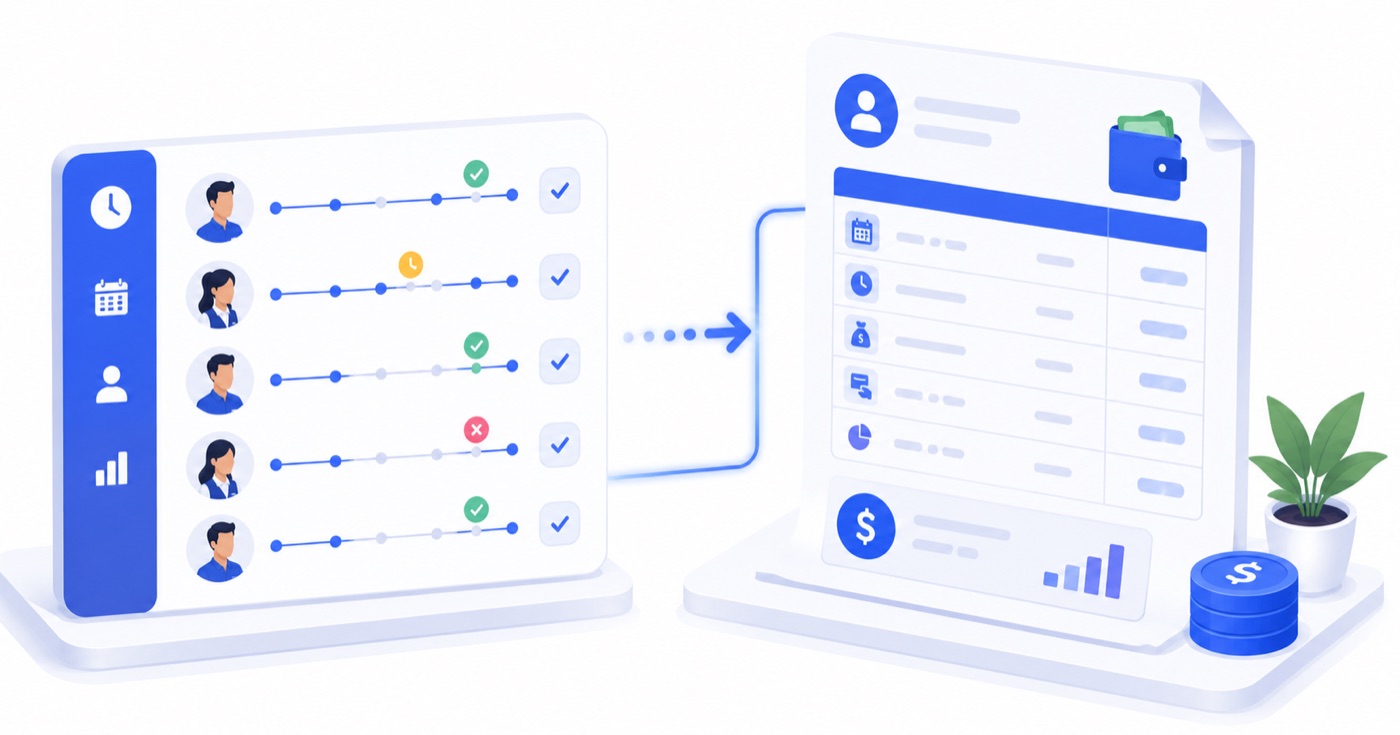
Table of Contents
The Monthly Payroll Panic in Hospitality Operations
On the 1st of every month, independent hotel owners and restaurant managers face a daunting administrative hurdle: **reconciling monthly staff payroll**.
In properties running disconnected manual systems, this process is an exhausting multi-day endeavor:
This traditional month-end scramble is not caused by complex arithmetic—it is caused by **attempting to reconstruct historical data 30 days after the events occurred**.
---
The Daily Reconciliation Philosophy
The secret to effortless payroll is simple: **Convert payroll reconciliation from a month-end event into an automated daily byproduct.**
```
[Traditional Month-End Payroll]
30 Days of Unverified Paper Logs ──> 15 Hours of Manual Re-Keying ──> High Dispute Rate
[Automated Daily Reconciliation]
Real-Time Punches ──> Daily Policy Auto-Evaluation ──> Payroll Ready on Day 1 of Next Month
```
When attendance punches are continuously evaluated against employee policies every single day, the system maintains a running, audited ledger. On the 1st of the month, payroll is not "calculated"—it is simply **viewed and finalized**.
---
Core Formulas in Automated Hospitality Payroll
To maintain accuracy, an automated payroll engine calculates net payable amounts using standardized mathematical formulas:
1. Net Payable Days
$$ ext{Net Payable Days} = ext{Present Days} + ext{Paid Leaves (EL/CL/SL)} + ext{Paid Holidays} - ext{Unpaid Absences (LWP)} - ext{Late Deductions}$$
2. Overtime Pay Calculation
$$ ext{Overtime Hourly Rate} = left( rac{ ext{Monthly Base Salary}}{ ext{Standard Working Days in Month} imes ext{Shift Hours}} ight) imes ext{Overtime Multiplier (1.5x or 2.0x)}$$
$$ ext{Total Overtime Pay} = ext{Overtime Hours Worked} imes ext{Overtime Hourly Rate}$$
3. Net Salary Payable
$$ ext{Net Salary} = ( ext{Base Daily Rate} imes ext{Net Payable Days}) + ext{Total Overtime Pay} + ext{Allowances} - ext{Advance Salary Draws}$$
---
Automated Monthly Payroll Reconciliation Matrix
Below is a sample overview of an automated payroll summary report generated instantly at month-end:
| Staff Name | Department | Base Salary | Days Present | Approved Leave | Overtime (Hrs) | Salary Advance | Net Payable (₹) |
| :--- | :--- | :--- | :--- | :--- | :--- | :--- | :--- |
| **Ramesh Kumar** | Front Desk | ₹22,000 | 25 | 2 Days (Paid CL) | 8.5 hrs | ₹2,000 | **₹21,850** |
| **Sunita Devi** | Housekeeping | ₹16,500 | 26 | 1 Day (Paid SL) | 12.0 hrs | ₹0 | **₹18,120** |
| **Vikram Singh** | Kitchen POS | ₹28,000 | 24 | 3 Days (2 Paid, 1 LWP)| 6.0 hrs | ₹5,000 | **₹23,940** |
| **Amit Sharma** | Maintenance | ₹18,000 | 27 | 0 Days | 4.0 hrs | ₹0 | **₹18,900** |
---
Statutory Payroll Boundaries: What Independent Hoteliers Must Know
It is essential to distinguish between **Internal Operational Payroll Summaries** and **Statutory Tax Filings**:
---
Frequently Asked Questions (FAQ)
Q1: How does automated payroll handle mid-month salary advances given to staff in cash?
Managers enter salary advances directly into the employee's digital record at the moment cash is handed over. The entry requires dual confirmation and is automatically deducted from the net payable balance on the end-of-month payroll statement.
Q2: Can payroll summaries be exported for direct bank batch transfers?
Yes. Payroll reports can be exported in standardized Excel or CSV formats compatible with major Indian business banking platforms (ICICI H2H, HDFC Enets, SBI Corporate) for one-click batch salary disbursements.
Q3: What happens if an employee disputes their attendance record at month-end?
Because every clock-in, late mark, and approved leave is logged in real time with exact timestamps (and optional GPS coordinates), managers can pull up the employee’s detailed daily punch log to review and resolve discrepancies transparently in seconds.
About Priyanka Singh
Founder
Priyanka is a founder of Antena. She combines a technical background with a close interest in how independent hotels and restaurants actually run day to day. She focuses on turning recurring operational headaches — attendance, stock control, room turns — into workflows that hold up during a busy shift, and writes about the practical, floor-level side of making that happen.
Related Articles
Why Every Hotel Should Automate Housekeeping Assignment After Guest Checkout
Housekeeping delays are a leading cause of late room readiness and guest complaints. Discover how automating housekeeping assignments after checkout transforms hotel operations.
Setting Up Shift and Leave Policies Your Staff Actually Understand
Working hours, overtime rules, leave quotas, holidays, and geo-fenced clock-ins — configured once as a policy, then applied consistently across your whole team.

Attendance Tracking Without the Register: Mobile Check-In Explained
How clock-ins, late thresholds, and forgotten checkouts are handled once attendance moves off a paper register and onto a policy-driven system.